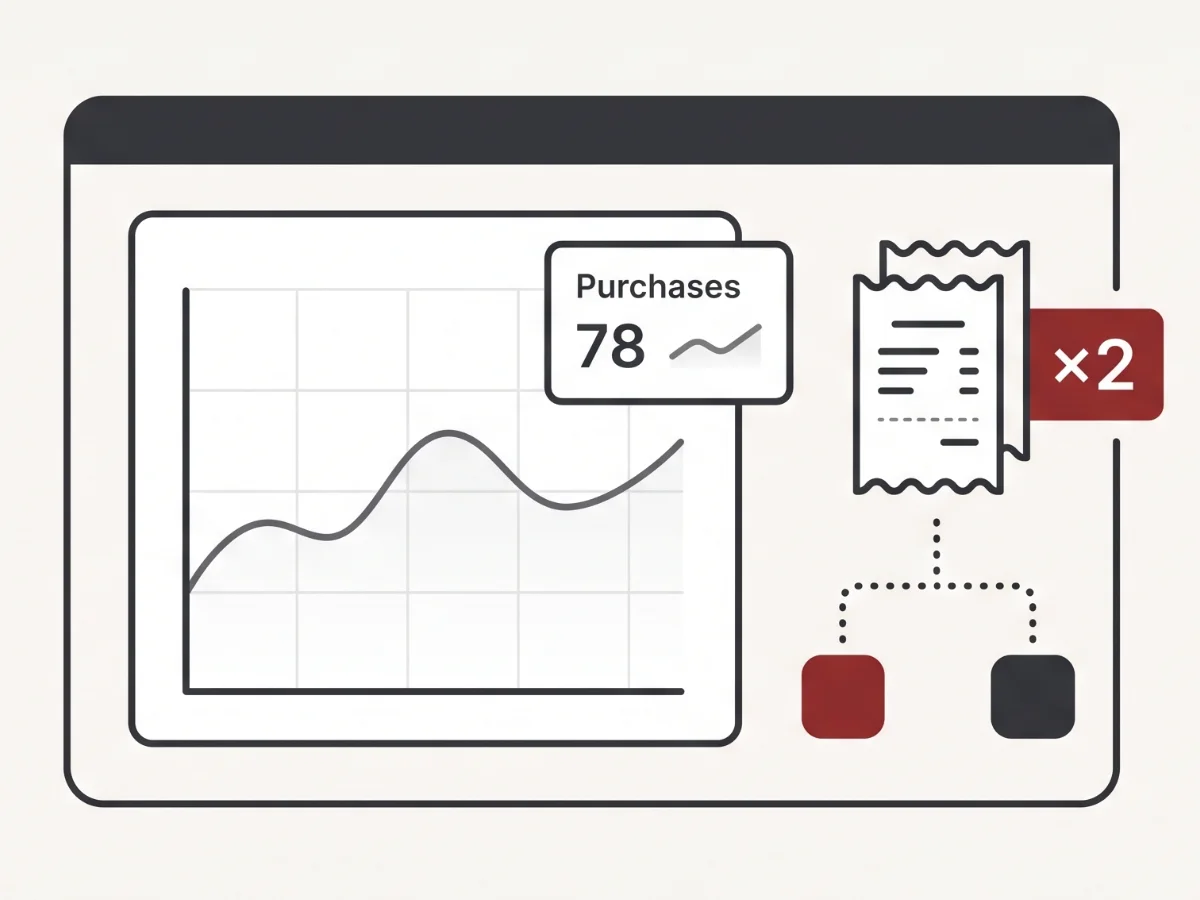
The short version
If Shopify purchase events are firing twice, the usual causes are:
- The same GA4 or Meta pixel is installed in more than one place.
- A hardcoded
gtagorfbqsnippet stayed in the theme after GTM, Elevar, or another tag manager was added. - Order status page scripts fire again when someone refreshes or revisits the confirmation page.
- Browser-side tracking and server-side Conversions API are both sending the purchase without matching event IDs.
- Old containers, previous agency tags, or migration leftovers are still live beside the current setup.
The fix is not to delete the first suspicious script you see. The safer first move is to map every place a purchase event can fire, then remove or deduplicate the overlap deliberately.
What the merchant sees
The first clue is usually a mismatch. Shopify might show 100 orders for the week while GA4 shows 130 purchases over the same dates. Meta may report conversions that look strangely close to double what Shopify recorded. ROAS can look better than it should, and that is tempting until the finance numbers refuse to agree.
It is worth saying early: the store itself can be fine. A duplicated purchase event does not mean checkout is charging customers twice, creating duplicate orders, or breaking fulfillment. It means one completed order is being reported more than once to one or more analytics platforms.
That distinction matters because it keeps the response calm. You are not dealing with a shopper-facing emergency unless there are separate symptoms in Shopify orders, payment captures, or support tickets. You are dealing with unreliable data, which can still be expensive if it guides budget and operational decisions.
I usually want teams to hold both ideas at the same time: do not panic about checkout, and do not ignore the reporting problem. Inflated purchase data can sit quietly for months because every dashboard still has numbers in it. The trouble shows up when those numbers start deciding spend, creative winners, and which channel gets credit for revenue.
How purchase tracking is supposed to work
The simple version is one order, one purchase event per platform. Shopify creates the order. GA4 receives one purchase. Meta receives one Purchase. Any other platform receives its own single purchase event.
The complicated part is where tracking can live. A Shopify store may have tracking in theme code, Shopify's Google & YouTube channel, the Facebook and Instagram channel, Google Tag Manager, Shopify Customer Events custom pixels, server-side Conversions API, or tag-management apps such as Elevar, Triple Whale, and Analyzify.
Shopify completes the order and renders the confirmation experience.
A browser pixel, custom pixel, or tag manager listens for the purchase.
A server-side integration may also send the same purchase to an ad platform.
The platform deduplicates only if the matching signals are configured correctly.
The mess usually comes from layers overlapping, not from any one tool being bad. A native sales-channel integration can be perfectly reasonable. GTM can be perfectly reasonable. Elevar can be perfectly reasonable. Trouble starts when all of them are told to report the same purchase independently.
Cause: the same pixel installed twice
The most common version is straightforward: the store has the native Google or Facebook integration active, plus a theme-code snippet, plus a GTM tag for the same platform. Everyone is trying to be helpful. Everyone fires.
This often happens after a rushed tracking request. Someone says, "Can we just add the pixel to be safe?" A developer pastes a snippet into the theme. Later, a channel app or tag manager is installed. The old snippet remains because nothing looks broken on the storefront.
In a clean setup, each platform should have one clear owner for the browser purchase event. If there is more than one owner, the setup needs a tracking map before it needs a code edit.
Cause: hardcoded gtag or fbq plus a tag manager
Older Shopify themes often have tracking snippets pasted directly into the layout, a checkout setting, a custom liquid block, or an app-created snippet. Those snippets may predate the current GTM container, Elevar setup, or analytics app by years.
The hard part is that old tracking code can be quiet. It may not create a visual error. It may not hurt add-to-cart behavior. It may simply keep loading and keep reporting.
This overlaps with the leftover-code pattern I covered in the guide to Shopify apps still loading after uninstall. Removing the app or replacing the tag manager does not guarantee the old theme code disappeared with it.
Before deleting anything, check whether the hardcoded snippet is still the only source of an important non-purchase event. Sometimes purchase is duplicated, but page_view, add_to_cart, or custom events have dependencies nobody documented. The cleanup should preserve the events you still rely on and remove only the duplicate ownership.
Cause: thank-you page scripts firing on every visit
Purchase events belong to the first completed order confirmation. If a script fires every time the order status page loads, a refresh, bookmark, support link, or customer revisit can create another purchase event.
On older setups this may come from additional scripts pasted into checkout settings. On newer setups it may come from a custom pixel or post-purchase script that does not have a first-visit guard. The details vary, but the symptom is the same: the same order can report again even though no new order was placed.
That does not mean every order status page script is wrong. Merchants often need tracking, surveys, post-purchase offers, referral widgets, or customer service tools there. The issue is whether the purchase event itself knows it has already been sent for that order.
Cause: client-side pixel plus server-side CAPI without deduplication
Server-side tracking is common now, especially for Meta. The browser tells Meta about the purchase, and the server also tells Meta about the purchase. That can be a good setup when it is configured correctly.
The key is deduplication. In plain English, both messages need a matching event ID so Meta understands they describe the same order. Without that shared ID, the platform may treat them as two purchases.
This is one reason I avoid framing duplicate tracking as "too many apps" by default. A browser plus server setup can be exactly right. The problem is when nobody tells the platform those two signals are the same order.
Cause: migration leftovers
Tracking often changes during redesigns, agency handoffs, analytics migrations, and attribution-tool trials. A store might move from a hardcoded Meta pixel to GTM, then to Elevar, then add server-side events, then pause a Triple Whale or Analyzify test. Each step can leave a little history behind.
Old GTM containers can still be published. Paused tags can still have triggers that nobody reviewed. A previous agency's pixel ID can remain in the theme. A custom pixel can be active in Customer Events while the same platform is still connected through a sales channel.
None of that requires bad intent. It is usually the natural result of a store being worked on by many hands over many years. The practical job is to identify what is current, what is historical, and what is accidentally still reporting money.
This is also why I prefer a written tracking map over a purely verbal handoff. The map does not need to be fancy. It just needs to answer who owns GA4, who owns Meta, where GTM loads, whether server-side events are active, and which pieces are intentionally retired.
Why it matters, calmly
Duplicate purchase events do not automatically mean shoppers are having a bad experience. The cost is in the decisions made from inflated data.
If Meta looks stronger than it is, budget can move toward campaigns that are not actually winning. If GA4 purchase count exceeds Shopify orders, the team may argue about attribution instead of fixing the source. If one platform double-counts and another does not, reporting meetings become a debate over which dashboard is telling the truth.
There is also a quieter operational cost. Teams stop trusting the numbers. Once that happens, good data and bad data get treated the same way, and every marketing decision takes longer than it should.
What store owners can check first
You can do several checks before touching the theme.
1. Compare the same seven days
Pick a recent seven-day window. Compare Shopify orders with GA4 purchases and platform-reported purchases for the exact same timezone and date range. You are looking for patterns, not perfect agreement to the single order.
2. Place a controlled test order
If it is safe for your store, place a test order and watch the purchase event with Google Tag Assistant and Meta Pixel Helper. Count how many purchase events fire and which tools appear to send them.
3. Revisit the order confirmation page
Reload or revisit the confirmation URL in the same controlled test context. Watch whether the purchase fires again. If it does, the confirmation page behavior needs closer review.
4. Search the page source
View source and search for more than one gtag(, fbq(, GTM container, or platform pixel ID. This does not prove duplication by itself, but it is a useful clue.
Keep notes as you go. The goal is not to become an analytics engineer overnight. The goal is to know whether the store has one clear tracking owner or several overlapping ones.
When to look closer, and how the Detox Scan helps
It is worth looking closer when purchase counts do not match Shopify orders, when ROAS looks too good to be true, when multiple vendors have touched tracking, or when a recent migration changed pixels, GTM, CAPI, or attribution apps.
Shopify Detox Scan collects duplicate-tracking evidence from the public storefront without admin access. It can flag overlapping pixels, multiple containers, theme-level tracking clutter, app leftovers, and public signals that suggest more than one layer may be sending the same event.
Region-verified consent runs also compare tracking before a choice, after reject or accept, and after reload. That helps separate duplicate measurement from optional tracking that continues despite the shopper's recorded choice.
Full event-by-event analytics validation is deeper work. The scan is a practical first pass: it shows where duplication likely lives so the next step is focused instead of guessy.
What you can check yourself vs. when to get help
You can compare Shopify orders against GA4 and ad-platform purchases, run a controlled test order, revisit the confirmation page, and search for obvious duplicate snippets or containers.
It is worth having someone look closer when the evidence crosses several layers: theme code, GTM, Customer Events, sales channels, CAPI, and attribution apps. At that point, the risk is not just missing the duplicate. It is deleting the wrong thing and creating a new reporting gap.
A careful cleanup leaves you with boring, believable purchase data: one order, one platform event, and a clear owner for every tracking path.
Purchase data should be boring.
If analytics shows more orders than Shopify, start with a Shopify Detox Scan and get a practical read on where duplicate tracking may be hiding.
Start with Shopify Detox Scan