Rolling Skio out across product lines: four passes, two brands
An anonymized Shopify field note on rolling Skio across product lines, keeping selling plans intact, and checking subscriptions through cart paths.
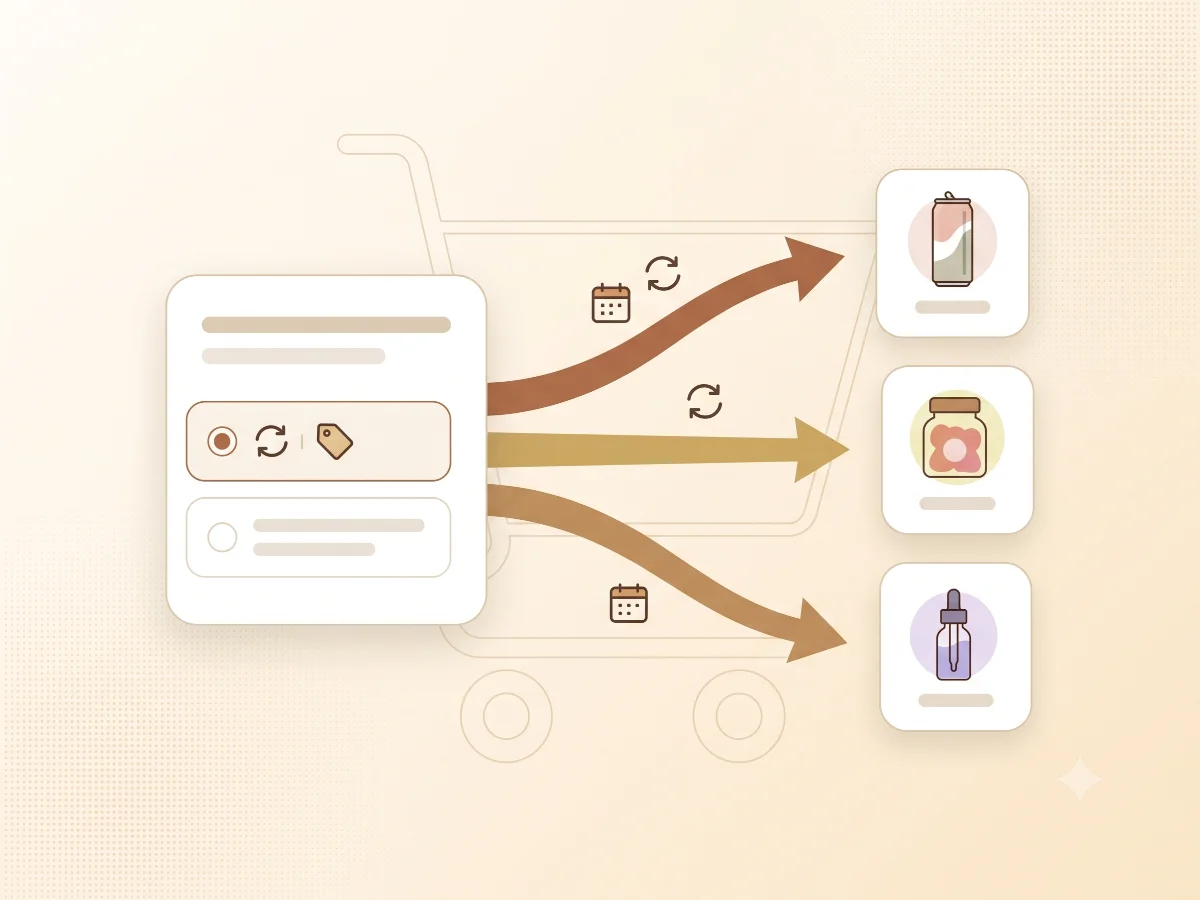
The short version
This field note is the storefront half of a subscription story.
The Recharge to Skio migration note covered the kind of checks that matter when subscription data moves from one system to another. This work picked up the next question: what happens when Skio needs to roll out across several product lines, each with its own buying context?
The app install was not the hard part. The hard part was making the storefront behave clearly across product templates, purchase options, gift flows, quick-add paths, and cart states without forcing the merchant team to ask a developer for every small copy or display change.
Why subscriptions get fragile on the storefront
Subscriptions often fail in the gaps between the widget, the theme, and the cart.
A product page can show the right purchase option while the product form passes the wrong data. A quick-add button can skip the same selling plan field the PDP handles correctly. A cart drawer can display subscription language while an update action accidentally strips the selling plan. A gift modal can be useful and still become another place where product form state has to stay aligned.
That is why I treat subscription rollout work as order-flow reliability work. The customer does not care which system owns which line of code. They only know whether the selected plan stays selected when they add to cart.
Four passes on one brand
For the hemp wellness brand, Skio rollout happened in iterative passes because the product lines did not all need the same treatment.
The work moved through four practical passes:
- Baseline Skio plan-picker integration
- Gift modal behavior added around the plan picker
- Product-line treatment for seltzer and sleep products
- Refinements for a low-dose line and customizer controls
That sequence mattered. Each pass taught the next one something about the theme's product forms, template differences, variant behavior, and cart expectations.
The goal was not to create a giant subscription abstraction. It was to make each buying surface reliable, then carry the useful lessons forward without flattening the differences between product lines.
The storefront details that mattered
The plan picker needed to feel native to the product page, not like a pasted-on app artifact. It also needed to pass the right selling plan data through every add-to-cart path.
That meant checking the normal PDP flow, quick add, cart drawer updates, variant changes, and product-line-specific templates. It also meant giving the merchant team customizer-facing settings so routine copy or display adjustments did not require code edits.
The gift modal added another layer. A modal tied to the plan picker can be helpful, but it has to respect the current product state. If the modal and the form disagree, the store has two versions of the customer's intent.
These were the kinds of checks that kept the rollout honest:
- Selling plan input is present when subscription is selected
- Variant changes do not reset the intended purchase option
- Quick add and PDP add-to-cart preserve subscription data
- Cart drawer copy matches the selected purchase option
- Theme settings cover merchant-owned messaging
None of those checks are glamorous. They are the difference between a subscription rollout that looks installed and one that actually survives the buying flow.
A subscription that looks selected still has to survive the cart.
Shopify Detox Scan includes subscription cart probing for this reason. The sample report shows the kind of finding I care about most: a subscription choice that silently fails to stay a subscription.
Start with Shopify Detox ScanThe second brand went faster for the right reason
A men's grooming brand later needed the same kind of Skio storefront work. That rollout happened in two passes because the earlier playbook transferred.
The value was not copy-paste code. The value was knowing where to look: product form ownership, widget placement, selling plan handoff, cart drawer display, variant state, mobile layout, and the points where app code and theme code can both think they own the same action.
That is the best kind of repeatable process in Shopify work. Not a generic solution pretending every store is the same, but a checklist of risk points that keeps the work grounded.
The bigger lesson
Subscription rollout work should be judged by the cart, not the widget.
If the customer chooses a subscription, the selected plan has to make it through product form state, add-to-cart logic, cart rendering, quantity changes, update actions, and checkout handoff. If any one of those steps drops the selling plan, the storefront has broken the promise it made on the product page.
That is why I prefer iterative passes. They make it easier to find where the theme is disagreeing with itself before that disagreement reaches customers.
How Storefront Detox can help
Shopify Detox Scan is a practical first step if you are not sure whether subscription behavior is reliable across the storefront.
It can flag subscription cart risk, visible app leftovers, duplicate tracking, old theme code, console errors, and PDP or cart issues before you commit to a deeper subscription cleanup sprint.
For stores already planning a Skio rollout, I would use the scan as a map: find the public symptoms first, then focus the code review where the buying flow is most likely to disagree with itself.
Related Field Notes


Next step
Not sure whether subscription choices survive your cart?
Start with a Shopify Detox Scan. I can test the visible subscription path and help separate a clean app setup from storefront behavior that still needs attention.
Start with Shopify Detox Scan