Recharge to Skio on Shopify: the storefront checks that matter
An anonymized technical field note from Shopify subscription migration work, focused on the storefront checks that can make or break the customer-facing flow.
The setup
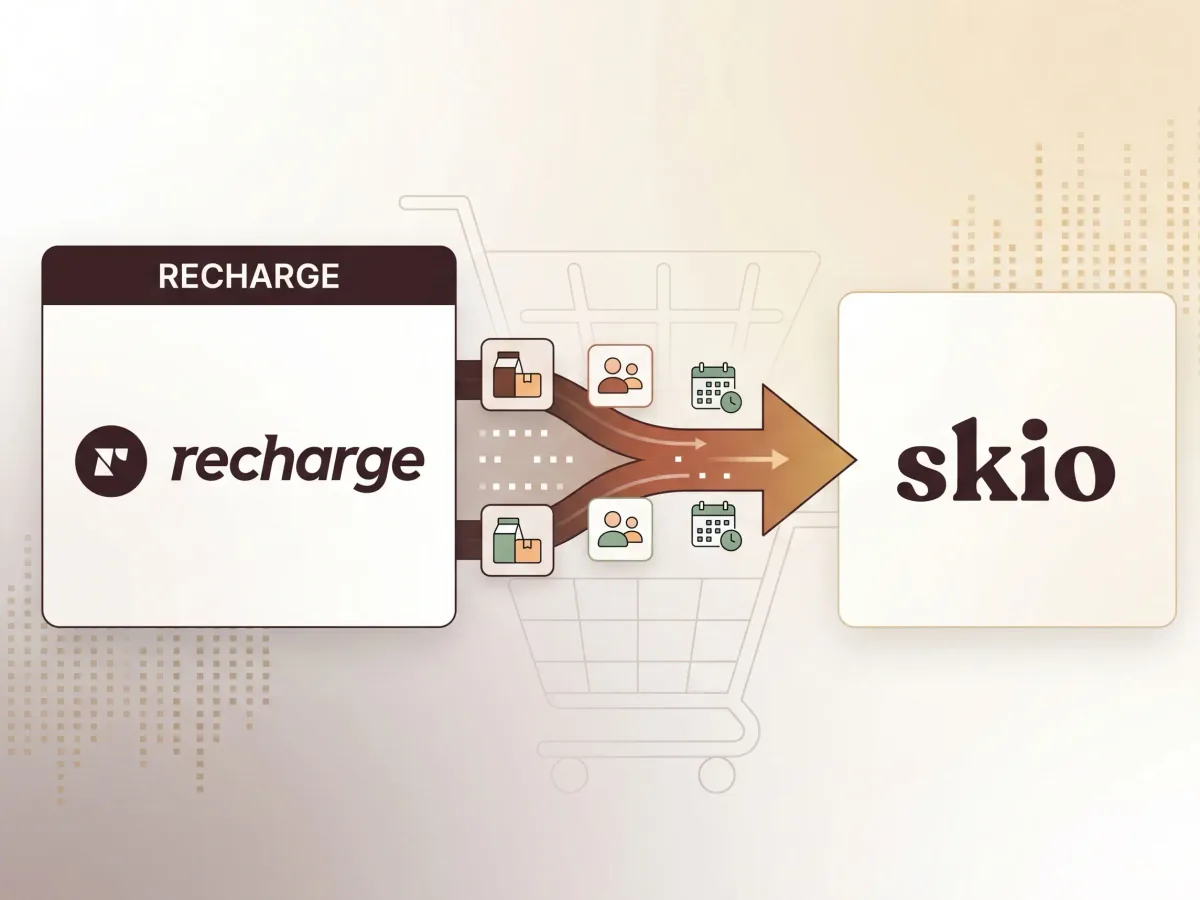
This field note comes from subscription migration work for an anonymized Shopify beauty brand moving from Recharge to Skio.
The app-side migration was only part of the job. The storefront still had to be checked carefully: product forms, subscription widgets, selling plan behavior, cart drawer logic, theme assumptions, tracking, and customer-facing messaging all needed to line up with the new subscription setup.
This is the kind of project where a store can look fine on the surface while still carrying old code, outdated assumptions, or fragile cart behavior underneath.
The short version
A Recharge to Skio migration is not just "swap the app and move on."
The storefront needs to be reviewed because subscription logic often touches the most important parts of the buying flow:
- Product page subscription selection
- Selling plan inputs
- Add-to-cart behavior
- Cart drawer or cart page display
- Discounts and subscription pricing
- Customer account links
- Recharge-specific theme code
- Old snippets or app embeds
- Tracking and analytics events
- Post-migration QA across mobile and desktop
If those areas are not reviewed, the store may technically be migrated while still carrying storefront issues from the old setup.
Why subscription migrations get risky
Subscription apps tend to touch more than one part of a Shopify store.
They can affect the product page, the cart, the customer portal, transactional messaging, analytics, discounts, bundles, and customer account flows. When a store has been customized over time, the theme may also include old snippets, custom JavaScript, app-specific selectors, or conditional logic that assumes the previous subscription system is still in place.
That is where migrations get messy.
The app may be configured correctly, but the storefront may still have old behavior baked into the theme.
What I looked for during the migration
Product page behavior
The product page needs to make the subscription choice clear and pass the right subscription data into the cart.
Things I checked:
- Subscription option appears correctly
- One-time and subscription options behave as expected
- Selling plan data is present when subscription is selected
- Variant changes do not reset or break subscription selection
- Product form submits cleanly
- Mobile layout does not hide or overlap subscription controls
- Pricing and discount messaging match the selected purchase option
Cart behavior
The cart is where subscription issues often become visible.
Things I checked:
- Subscription item appears as a subscription item
- One-time item appears as one-time
- Cart drawer or cart page shows the right selling plan language
- Quantity changes do not strip subscription data
- Remove/update actions do not break the cart
- Checkout button remains available
- Cart count and subtotal update correctly
- Any upsell/cart app still works with subscription products
Old Recharge assumptions
After moving away from Recharge, the theme may still include Recharge-specific logic.
Things I looked for:
- Old Recharge snippets
- Recharge-specific class names or selectors
- JavaScript listening for old Recharge widget behavior
- Cart logic expecting old subscription properties
- Theme code that conditionally handles subscription items in the old format
- Old copy, links, or portal references
Skio-specific storefront behavior
With the new subscription setup, the storefront needs to match how the new app expects subscription data to flow.
Things I checked:
- New widget placement
- Product form compatibility
- Selling plan handoff
- Cart display
- Customer portal links
- Subscription messaging
- Mobile usability
- Interaction with existing theme JavaScript
Tracking and analytics
Subscription changes can affect analytics and event quality.
Things I checked:
- Add to Cart behavior after subscription selection
- Purchase option changes before add-to-cart
- Duplicate or stale tracking code
- Old app-specific tracking assumptions
- Events that may fire differently for subscription items
Common problems after a subscription migration
These are the kinds of issues I watch for after a Recharge to Skio migration:
- Subscription product adds as a one-time purchase
- Selling plan gets lost between PDP and cart
- Subscription discount appears on PDP but not in cart
- Cart drawer does not show subscription details
- Variant changes reset the subscription selection
- Old Recharge code still runs on the storefront
- Customer portal links point to the wrong place
- Mobile subscription widget layout feels broken
- Cart upsells do not preserve subscription data
- Tracking events no longer represent the customer's actual purchase choice
Not every migration has these problems. But these are the areas where I would not rely on a quick visual check.
Not sure what subscription code your store is still carrying?
Shopify Detox Scan can flag visible signs of app bloat, subscription/cart risk, old app artifacts, tracking clutter, and revenue-flow issues before you commit to a deeper audit.
Start with Shopify Detox ScanWhat I would check before launch
Before calling a subscription migration done, I would want to test:
- Desktop product page
- Mobile product page
- One-time purchase flow
- Subscription purchase flow
- Variant changes
- Quantity changes
- Cart drawer updates
- Cart page updates
- Checkout handoff
- Customer portal links
- Subscription copy and pricing
- Analytics and add-to-cart events
- Any cart upsell, bundle, or free-gift behavior
The goal is not just to make the app work. The goal is to make sure the storefront still behaves clearly and reliably for customers.
The bigger lesson
A subscription migration is a good moment to clean up technical debt.
If a theme has been touched by multiple agencies, app vendors, internal edits, or emergency fixes, migration work can expose old assumptions that were previously hidden.
That is why I like treating these projects as storefront reliability work, not just app setup.
The migration may be the trigger, but the real value is making the product page, cart, subscription messaging, and theme behavior safer to work on going forward.
How Storefront Detox can help
Shopify Detox Scan is a lightweight first step if you are not sure how messy the storefront is.
It can flag visible signs of app bloat, subscription/cart risk, console errors, old app artifacts, tracking clutter, and revenue-flow issues before you commit to a deeper audit or cleanup sprint.
If the scan shows deeper risk, the next step may be a Shopify Rehab or a focused Cleanup Sprint.
Related Field Notes


Next step
Not sure what subscription code your store is still carrying?
Shopify Detox Scan can flag visible signs of app bloat, subscription/cart risk, old app artifacts, tracking clutter, and revenue-flow issues before you commit to a deeper audit.
Start with Shopify Detox Scan