
Shopify Mess Check Report
Executive Summary
Prairie & Pine Supply Co. Demo is a fictional Shopify storefront created to show what a more realistic red-flags Storefront Detox report can look like. The store is not presented as broken. The more useful read is that it looks like a normal growing Shopify store that has accumulated app weight, subscription complexity, and a few QA traps over time.
My judgement call: this is messy, not on fire. I would not start by pitching a full rebuild. I would start with a focused cleanup sprint around subscriptions, cart behavior, app ownership, and the scripts that are actually touching the revenue path.
The highest-value question is whether the active subscription setup is clean. The scan patterns show an active subscription widget, while legacy subscription-style assets also appear to be loading. That may be harmless leftover code, or it may be a sign that an older subscription migration was never fully cleaned up.
Storefront Risk Snapshot
| Area | Status | Notes |
|---|---|---|
| Core storefront rendering | Low | Key pages render and standard Shopify signals are present |
| Product page / cart flow | Medium | Product and cart basics exist, but subscription behavior needs manual verification |
| Subscription stack | High | Active subscription behavior appears alongside legacy subscription-style assets |
| App/script load | High | The scan pattern shows a very heavy third-party footprint |
| Console/network noise | Medium | Some errors look tracking-related, but product/cart errors deserve reproduction |
| Accessibility/UX | Low to Medium | Agreement modal, widget controls, and product media need a manual pass |
| Headless risk | Low | Headless-like markers are probably app bundles, not a true headless storefront |
Highest Priority Findings
1. Subscription stack overlap should be reviewed
Severity: High
The demo scan shows an active subscription widget, while legacy subscription-style assets are also loading across storefront pages. In a real audit, this would be the first thing I would verify by hand.
This does not automatically mean subscription ordering is broken. It does mean the store may be carrying old subscription code after a migration, and subscription code is the last place I want ambiguity.
Why this matters:
- Selling plan data needs to survive variant changes.
- Subscription selections need to land correctly in cart.
- Cart drawer, cart page, and checkout need to agree on purchase type.
- Customer portal links and subscription management should come from the current system only.
- Legacy assets add weight and make debugging harder later.
My read: if the merchant recently moved from one subscription platform to another, this is probably cleanup debt. If they have not migrated recently, I would still confirm why both patterns are present.
2. Heavy third-party script footprint is the main maintenance signal
Severity: High
The synthetic evidence mirrors a common Shopify pattern: a store that works, but has a large script surface area. This demo report includes 1,004 JavaScript requests, 40 third-party domains, 206 inline script blocks, and 78 inline style blocks.
Those numbers should not be treated as a final performance diagnosis by themselves. The practical concern is ownership. When email, subscriptions, reviews, pixels, accelerated checkout, cart drawers, and upsells all load together, small bugs become harder to trace.
My judgement call: I would audit app embeds and theme-injected scripts before touching layout or visual design. There is probably more value in removing stale app code than in redesigning the storefront.
3. Product page fetch errors should be reproduced manually
Severity: Medium
The product page shows the expected selling elements, including price, variants, add-to-cart, reviews, and a subscription widget. That is good. But a revenue page with widget-related fetch errors still deserves a normal-browser reproduction pass.
I would specifically test:
- Select a different variant.
- Select one-time purchase.
- Select subscription purchase.
- Add both purchase types to cart.
- Confirm the cart drawer and cart page show the right selling plan.
- Continue to checkout and confirm the checkout reflects the intended purchase type.
The point is not to prove the scanner right. The point is to make sure the customer path is boring and predictable.
4. Agreement or age-gate style modal can interfere with QA
Severity: Medium
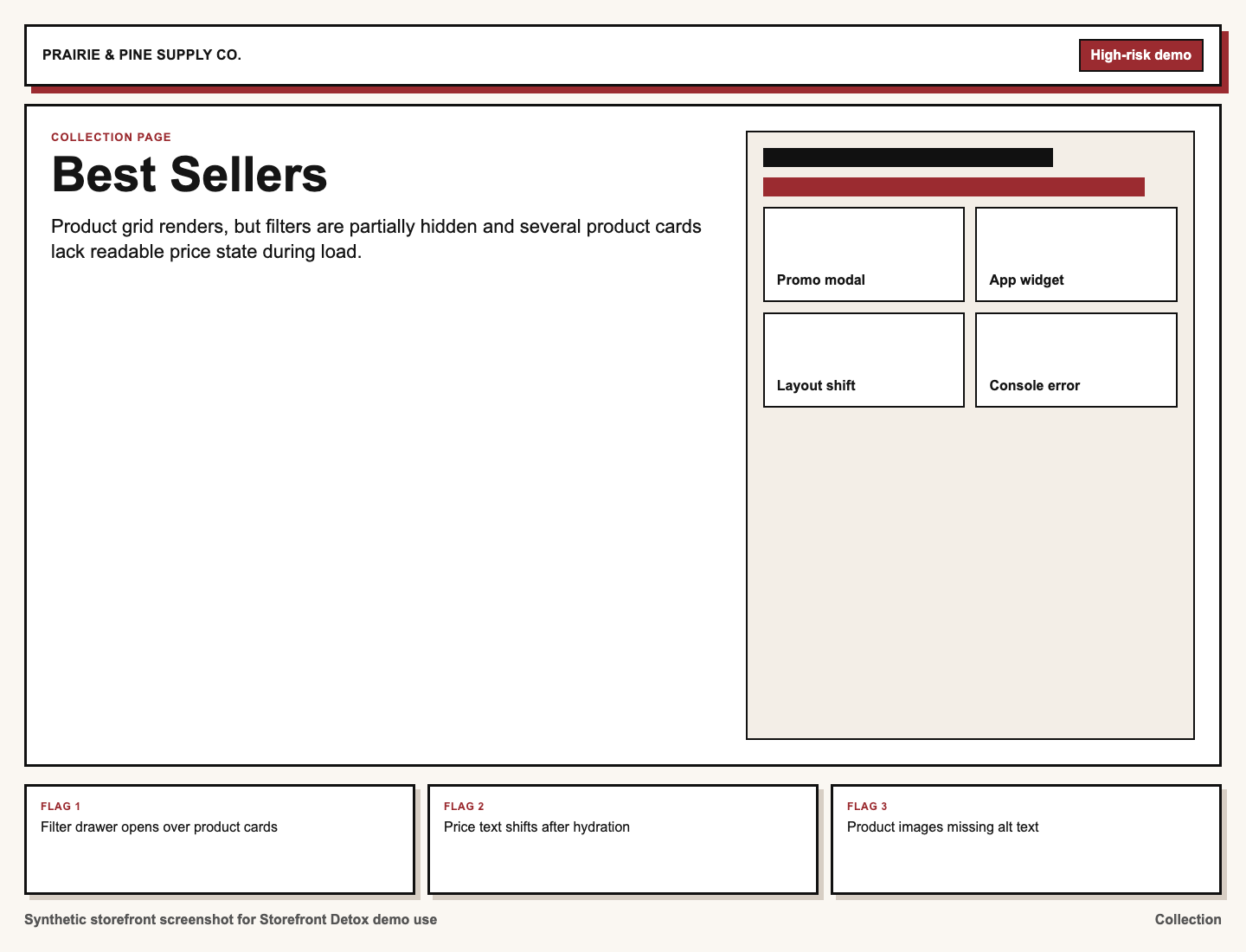
This demo includes a blocking agreement-modal pattern because it is a real kind of QA friction. If a modal prevents Playwright or a manual tester from interacting with the page cleanly, it can also create accessibility and conversion risk if the close/accept path is brittle.
My read: I would not rank this above the subscription stack, but I would check keyboard access, mobile behavior, focus handling, and whether the modal reappears too aggressively.
5. Stylesheet and font loading can be improved
Severity: Low
Some stylesheets are not using the media print/onload loading pattern, and Google Fonts are requested without matching preconnect hints. This is not the headline issue, but it is exactly the kind of low-risk Shopify speed cleanup I would include once the revenue path is stable.
App & Script Complexity
The storefront is modeled after a very common Shopify situation: each individual app may be defensible, but the total stack has become hard to reason about.
Detected categories include:
- Email/SMS marketing
- Active subscription widget
- Legacy subscription-style assets
- Reviews widget
- Analytics and ad pixels
- Accelerated checkout assets
- Cart drawer or upsell tooling
Plain-English takeaway: I would not call the store broken from this evidence alone. I would call it app-heavy, and I would want a clean list of which systems are allowed to touch product, cart, checkout handoff, and customer subscription management.
PDP / Cart / Revenue Flow
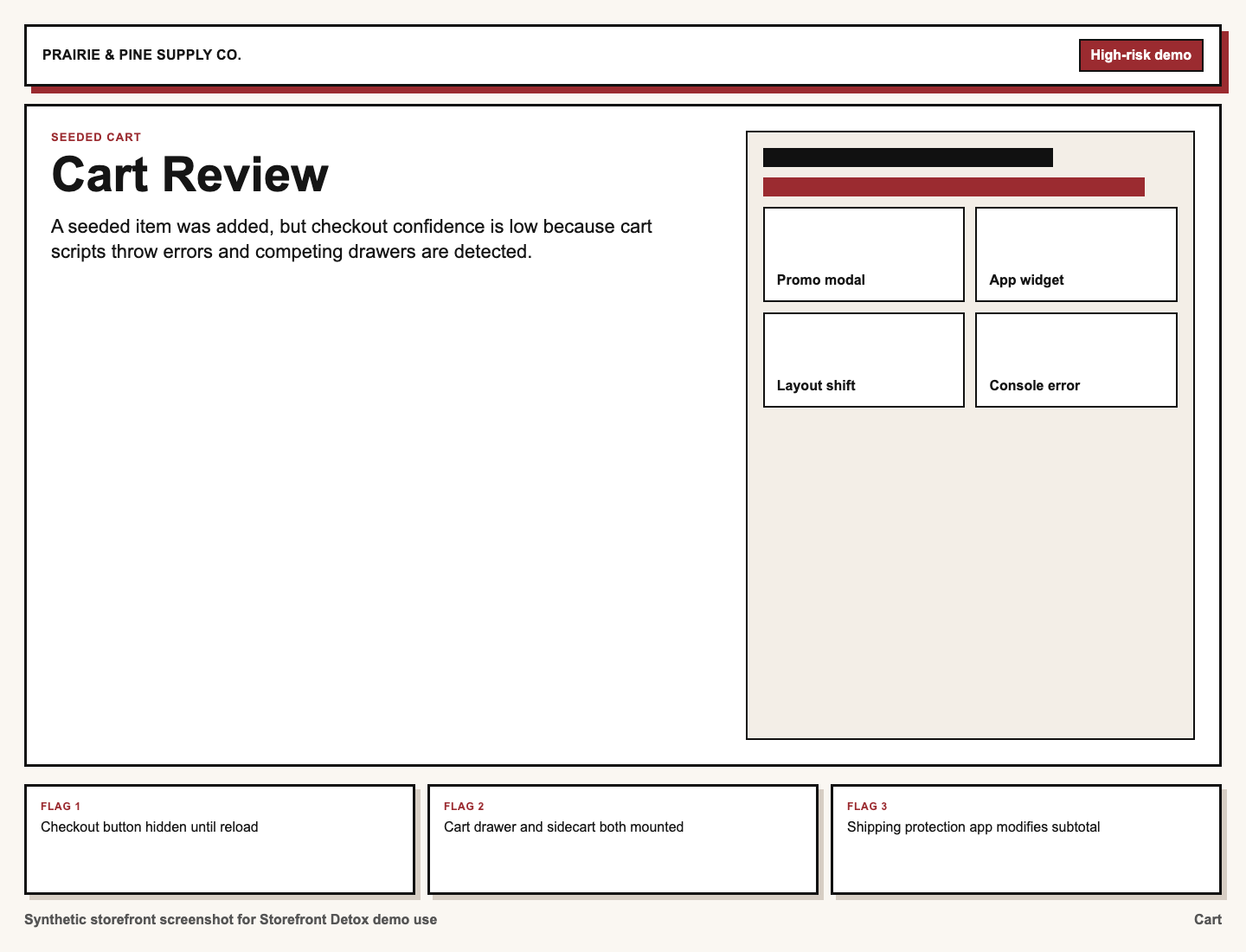
The product page and cart page both show the expected basic elements. That matters. A scanner should not overstate the problem when price, variants, add-to-cart, cart access, checkout entry, reviews, and subscription UI are all present.
The concern is narrower: subscription and cart behavior should be tested with actual customer-like flows.
Recommended manual checks:
- Add a one-time product to cart.
- Add a subscription product to cart.
- Change variants before adding to cart.
- Confirm frequency and selling plan text in cart.
- Update quantity in the cart drawer.
- Remove the subscription item.
- Re-add from mobile.
- Continue to checkout.
- Confirm checkout shows the intended purchase type.
My read: if those checks pass, this becomes a cleanup and performance project. If any fail, it becomes a revenue-path fix.
Performance Snapshot
The practical performance concern is not one giant image. It is cumulative app and script loading.
Key signals:
- Very high JavaScript request count
- High third-party domain count
- Many inline scripts
- Multiple analytics and marketing endpoints
- Subscription, review, customer portal, and cart assets loading together
- Stylesheets loaded in the head without the print/onload async pattern
- Google Fonts requested without the expected preconnect hints
I would start by removing stale app assets and duplicate tracking before chasing broad Lighthouse-style work. That gives the merchant a cleaner baseline and makes later performance work less noisy.
Accessibility & UX Red Flags
The automated scan is not a full accessibility audit, but it gives a few places to look:
- Agreement or age-gate style modal behavior
- Keyboard access and focus handling inside third-party widgets
- Review widget controls and labels
- Product image alt text
- Mobile cart drawer behavior
My judgement call: none of these are surprising for an app-heavy Shopify store, but they are worth fixing because they affect trust and usability.
Possible Technical Debt Signals
The main technical debt signal is app migration residue. Active subscription behavior plus legacy subscription-style assets is the kind of thing that often stays invisible until a merchant changes a product template, swaps a cart drawer, adds a discount, or updates checkout messaging.
The scan also shows headless-like markers. I would not assume this is a headless storefront from that alone. App bundles can produce React or Next-style signals even when the store is still a standard Shopify theme.
This matters because the recommended path is different. Based on the external evidence, I would treat this as a Shopify theme/app cleanup, not a custom storefront rebuild.
What This Scan Does Not Cover
This is an external storefront scan, not a private codebase or admin audit.
It does not include:
- Private theme code review
- Shopify admin review
- App configuration review
- Checkout settings review
- Subscription app admin review
- Customer portal configuration review
- Analytics event validation
- Full Core Web Vitals testing
- Full accessibility audit
- Historical app migration review
- QA across every product, variant, discount, and customer state
Any finding about app overlap should be treated as a signal for follow-up verification, not a final verdict.
Recommended Next Step
Recommended scope: Storefront Detox Cleanup Sprint
Priority items:
- Confirm which subscription app is currently authoritative.
- Verify PDP to cart to checkout behavior for one-time and subscription products.
- Remove legacy subscription assets if they are no longer needed.
- Review app embeds and theme-injected scripts.
- Separate real product/cart errors from tracking noise.
- Check agreement-modal accessibility and mobile behavior.
- Apply low-risk CSS and font-loading improvements.
- Re-test desktop and mobile cart flows after cleanup.
Recommended priority: Medium to High
Suggested urgency: Before a campaign, redesign, subscription change, or major traffic push.